This page is still a Work-In-Progress. It will update as we add more configuration options to Orbit.
Interface Configuration
Orbit has many configuration options to allow you to customize Orbit to your liking:
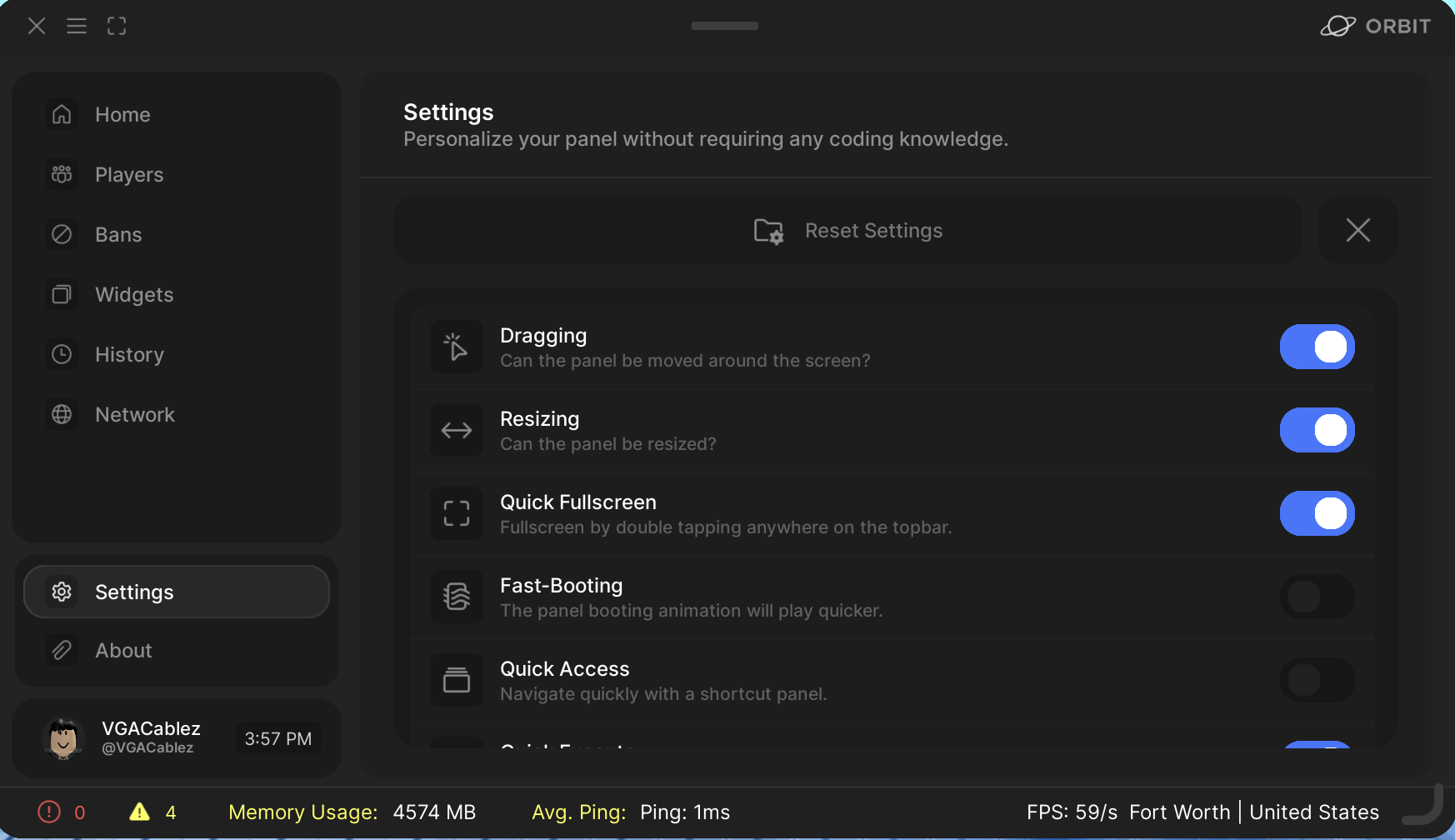
Currently, these options do not save. This will be implemented before release though.
These can be configured to your liking. They will be saved per user, so you can feel free to customize your interface without interfering with anyone else’s.
Global Configuration
Orbit has settings you can configure globally for all users:
CheckForUpdate
DiscordWebhook
WeatherAPI
Enabling this option will allow for Orbit to check for updates on startup. This will be removed once we have a plugin. This is enabled by default. However, if you would not like update notifications or disagree with any new policies we create, you can disable updates and stay on your old version.In the event you stop updating Orbit, we are not liable for any security events that may follow. We strongly recommend updating Orbit regularly to stay on top of our new features, fixes, and security patches.
This option allows you to configure a Discord webhook to recieve audit logs from Orbit. Simply enter the webhook you desire, and Orbit will send audit log updates to it. You can leave it empty if you prefer.
Configuring this option will allow the weather to be displayed for each user (for example, someone in Austria will have a different weather icon than someone living in Germany).For this option to work, you must create a Weather API Key. To do so you must sign up here.Flux Studio will not have access to this API key, nor will we be able to provide you with one. You are responsible for making sure you do not exceed the API limits set by WeatherAPI.